
After Silence
A downloadable game for Windows
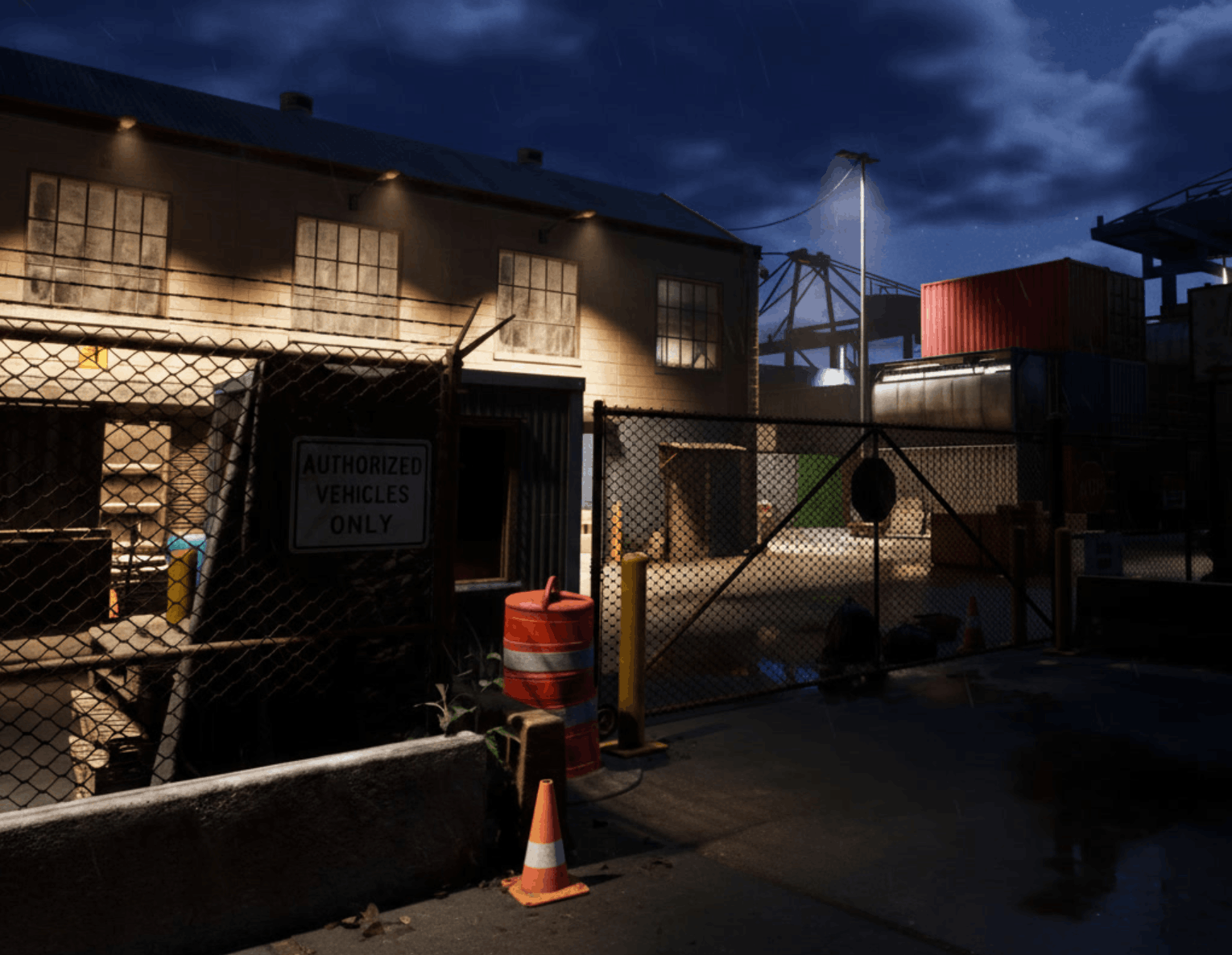
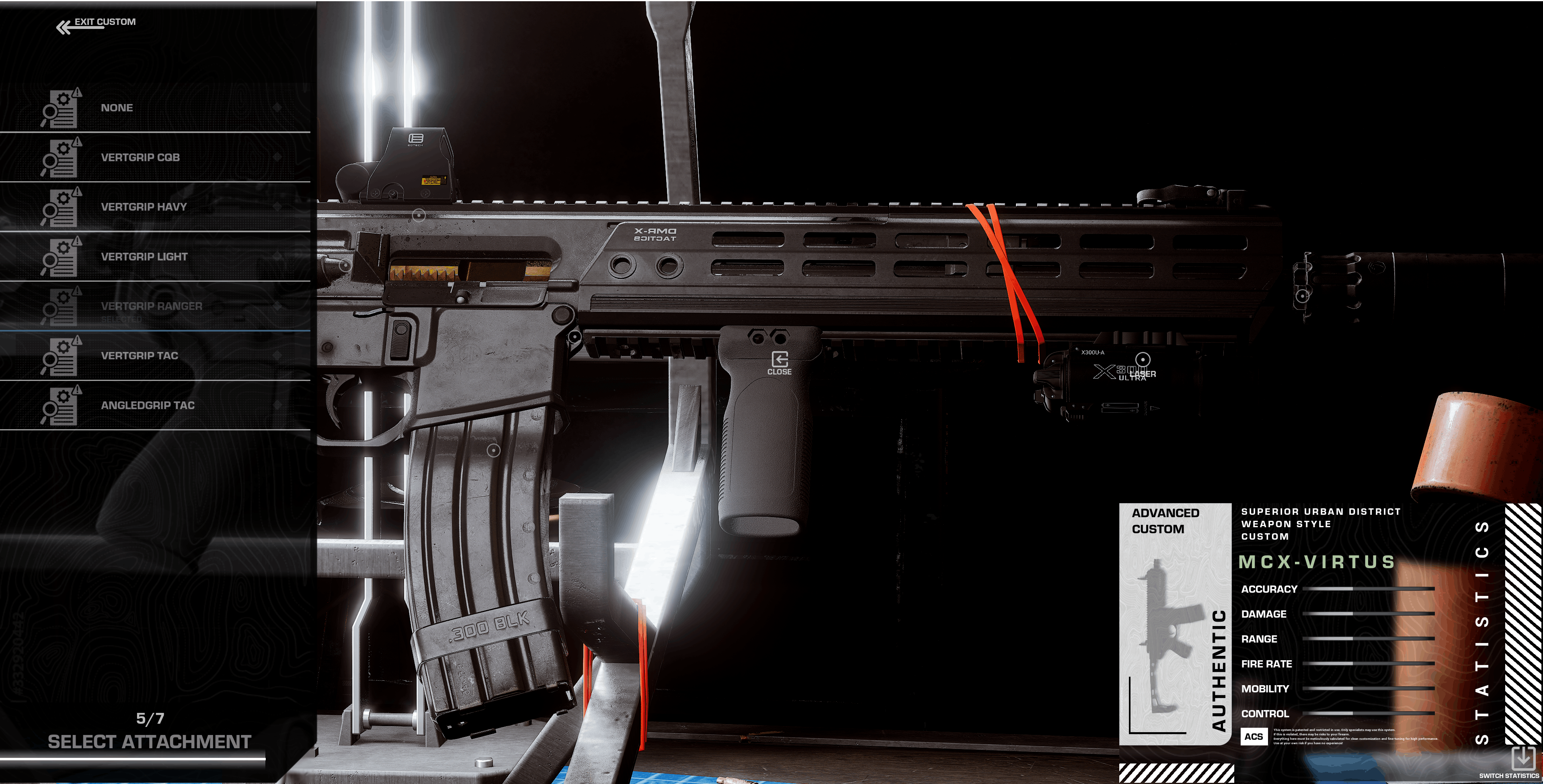
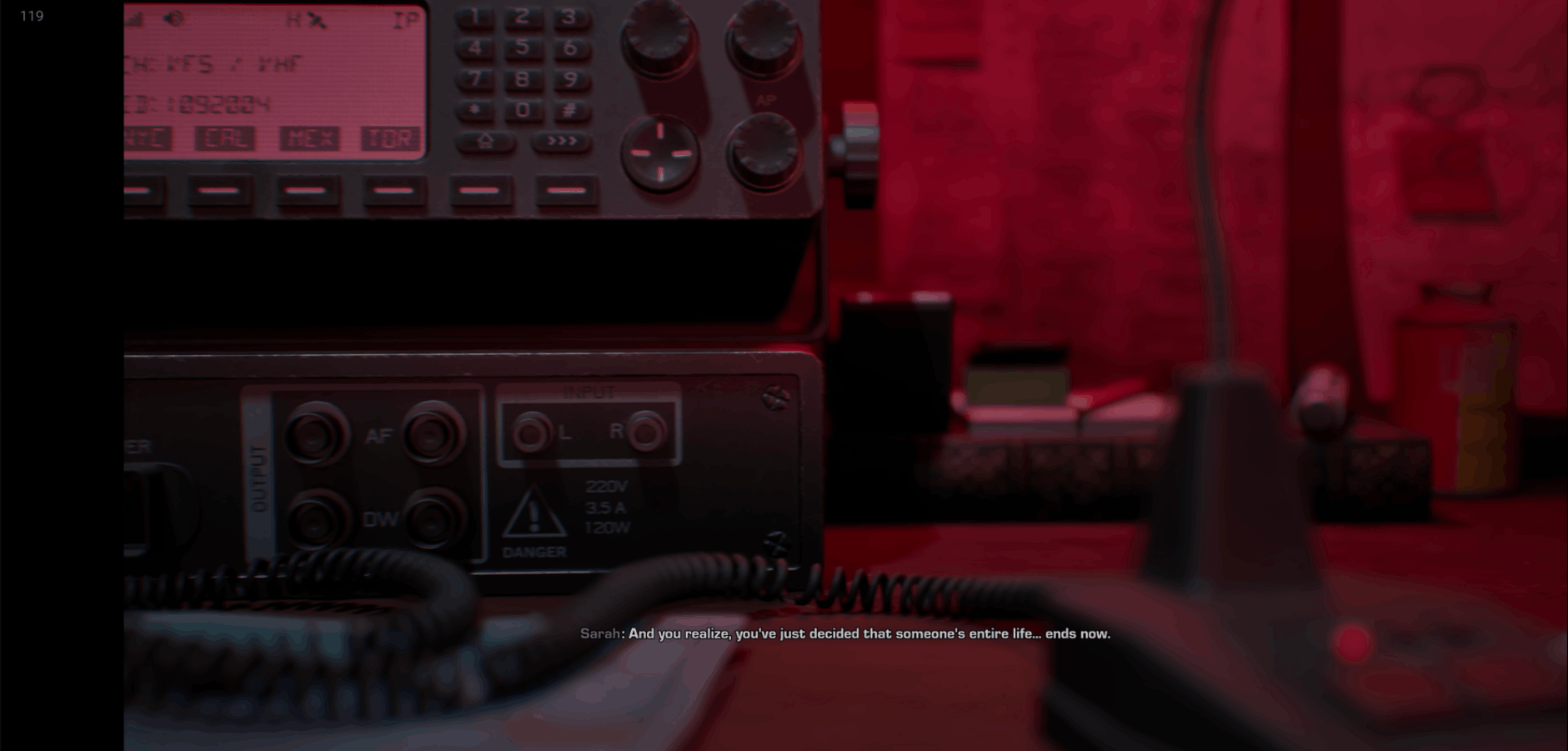
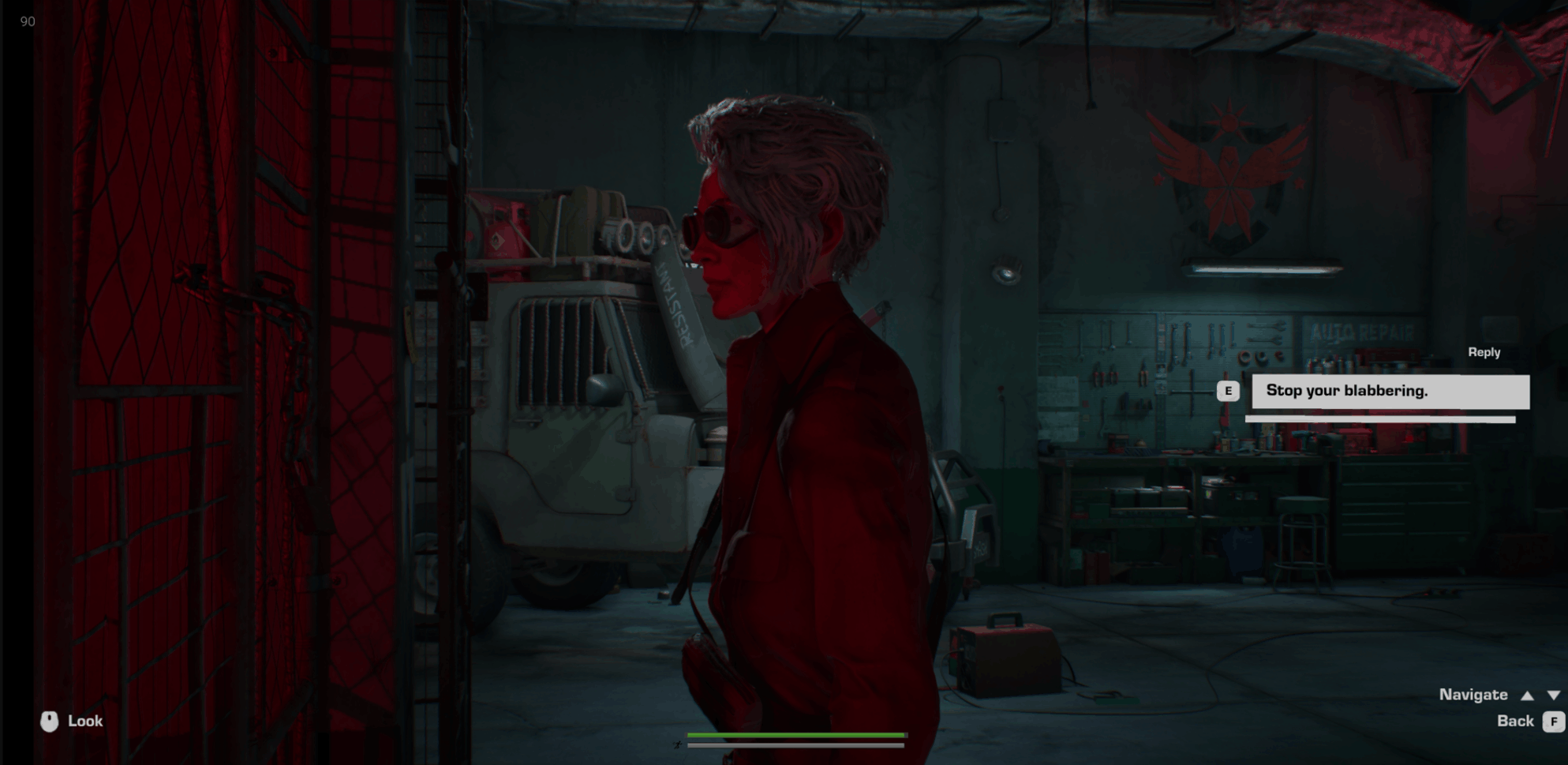
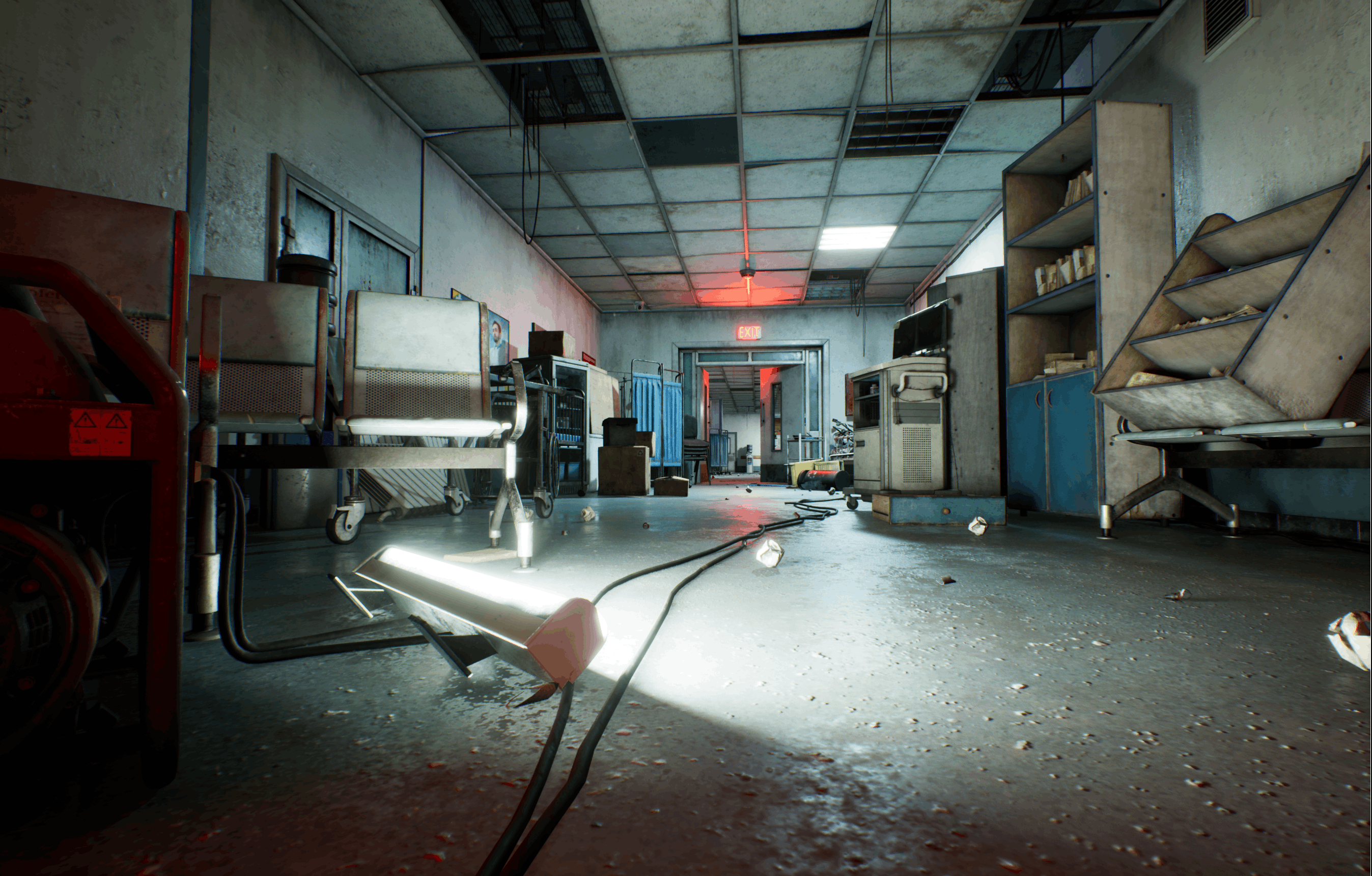
After Silence blends methodical, Hitman-style stealth with visceral, Bodycam-inspired tactical combat. Experience a deeply personal story of a mother's vengeance, built in Unreal Engine 5 with AAA-quality graphics crafted by a 16-year-old solo developer proving passion has no age limit.

The world in After Silence didn’t collapse in a single moment.
There were no alarms.
No clear final day.
Just systems failing one by one, people making impossible choices, and places meant to save lives slowly becoming monuments to loss.
Two factions. One fractured truth.
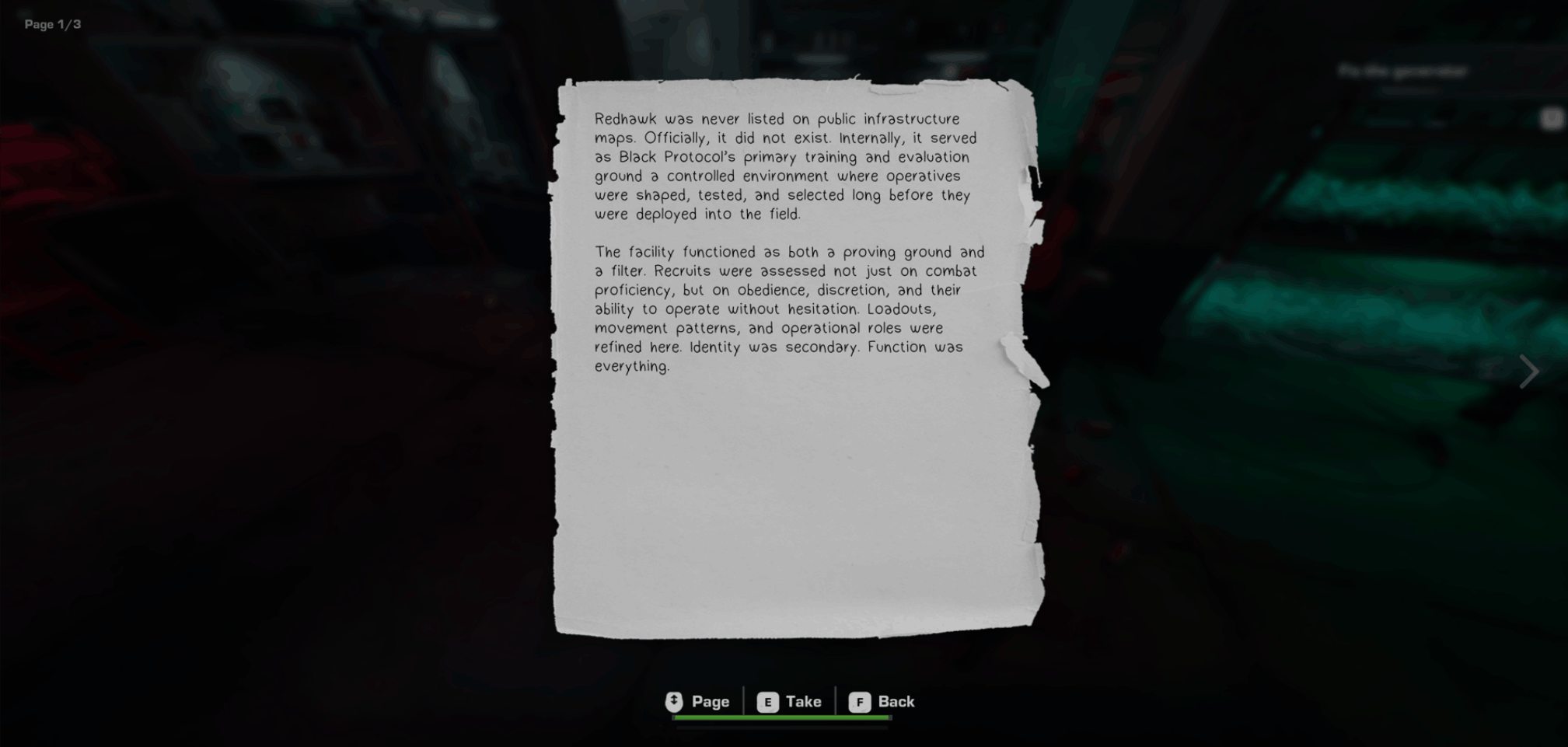
Black Protocol enforcers believe stability depends on controlled information. They defend classified evidence, standardize their operations, and fight to prevent what they see as societal collapse through chaos.
The Fractured believe silence caused the disaster. They raid facilities, expose records, and operate through improvised, aggressive tactics convinced that radical transparency is the only safeguard against repeating history.
Both believe they’re right. Both leave scars on the world. Neither emerges clean.
Combat Scenarios (FPS Mode)

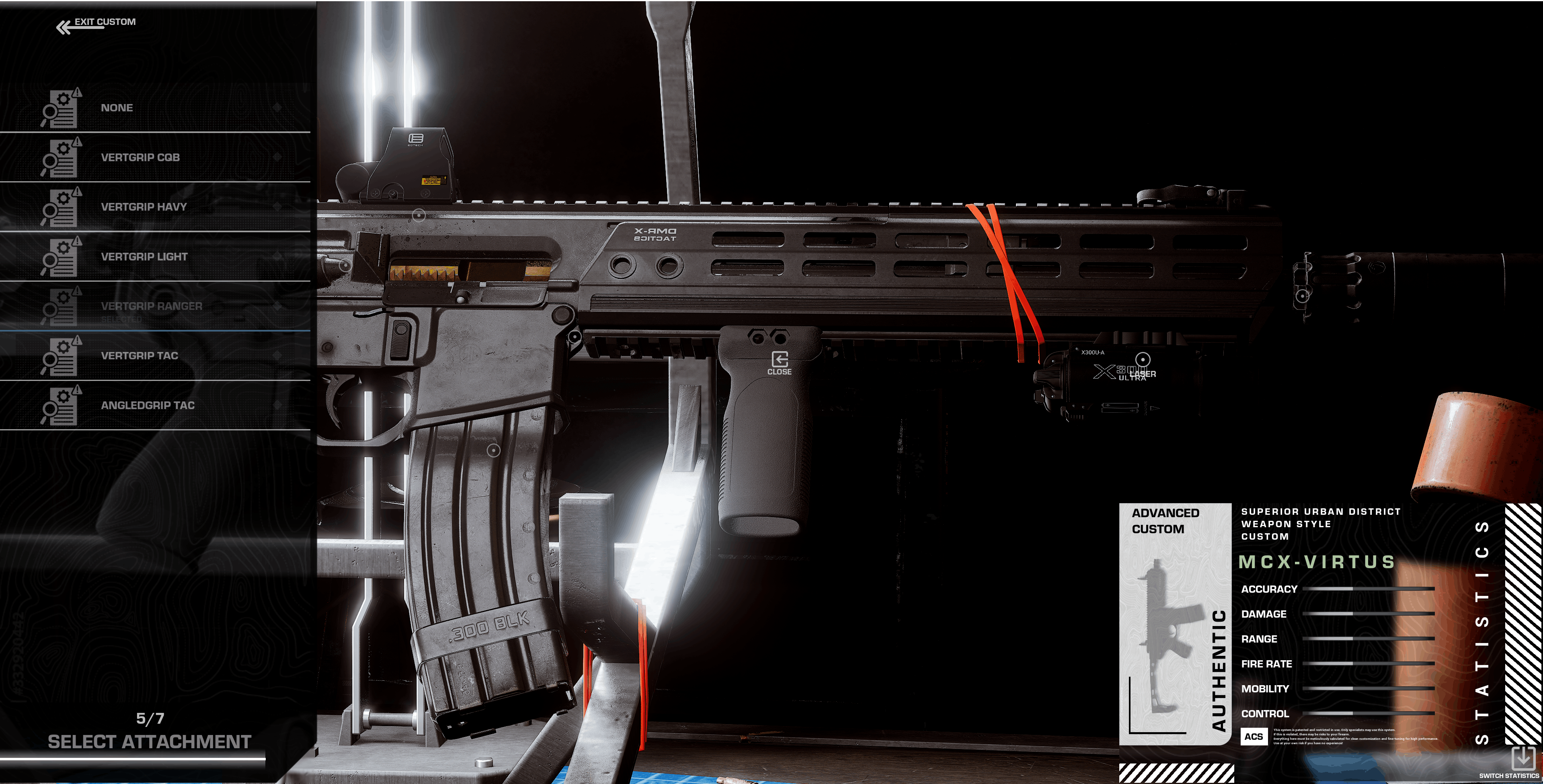

Companion AI: Dr. Elias Voss
Tactical Partnership System
Dr. Elias Voss isn’t just a passive observer he’s an active participant in your mission. Utilizing advanced AI routines, Voss dynamically adapts to your playstyle, seamlessly transitioning between stealth infiltration and high-intensity combat scenarios.

Why include an FPS mode at all?
While After Silence is first and foremost an investigative narrative experience, the world you explore was shaped by conflict.
That conflict is playable.
Combat Scenarios places you years earlier, during the faction wars that erupted shortly after the collapse.
This mode is not separate from the narrative it is its prologue.
You step into the role of operatives fighting over the very locations you will later investigate in Story Mode.
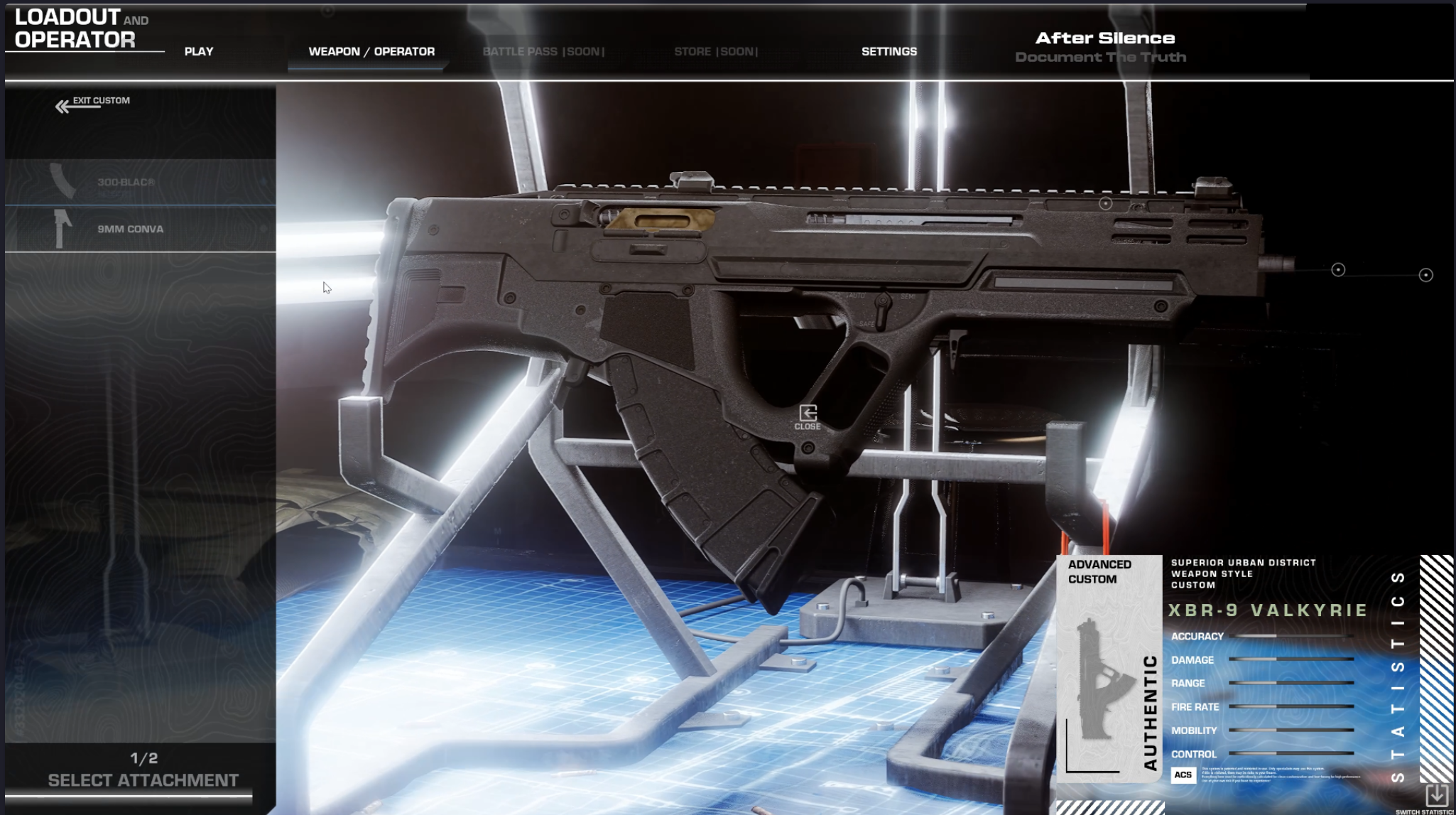
In one sentence
Combat Scenarios turns FPS combat into narrative worldbuilding you don’t just fight in these locations, you create the history that Story Mode later documents. Combat Scenarios is designed as a focused, replayable experience that complements Story Mode. Scope and features will scale responsibly to ensure a polished final product.
Tactical Traversal & Physical interaction
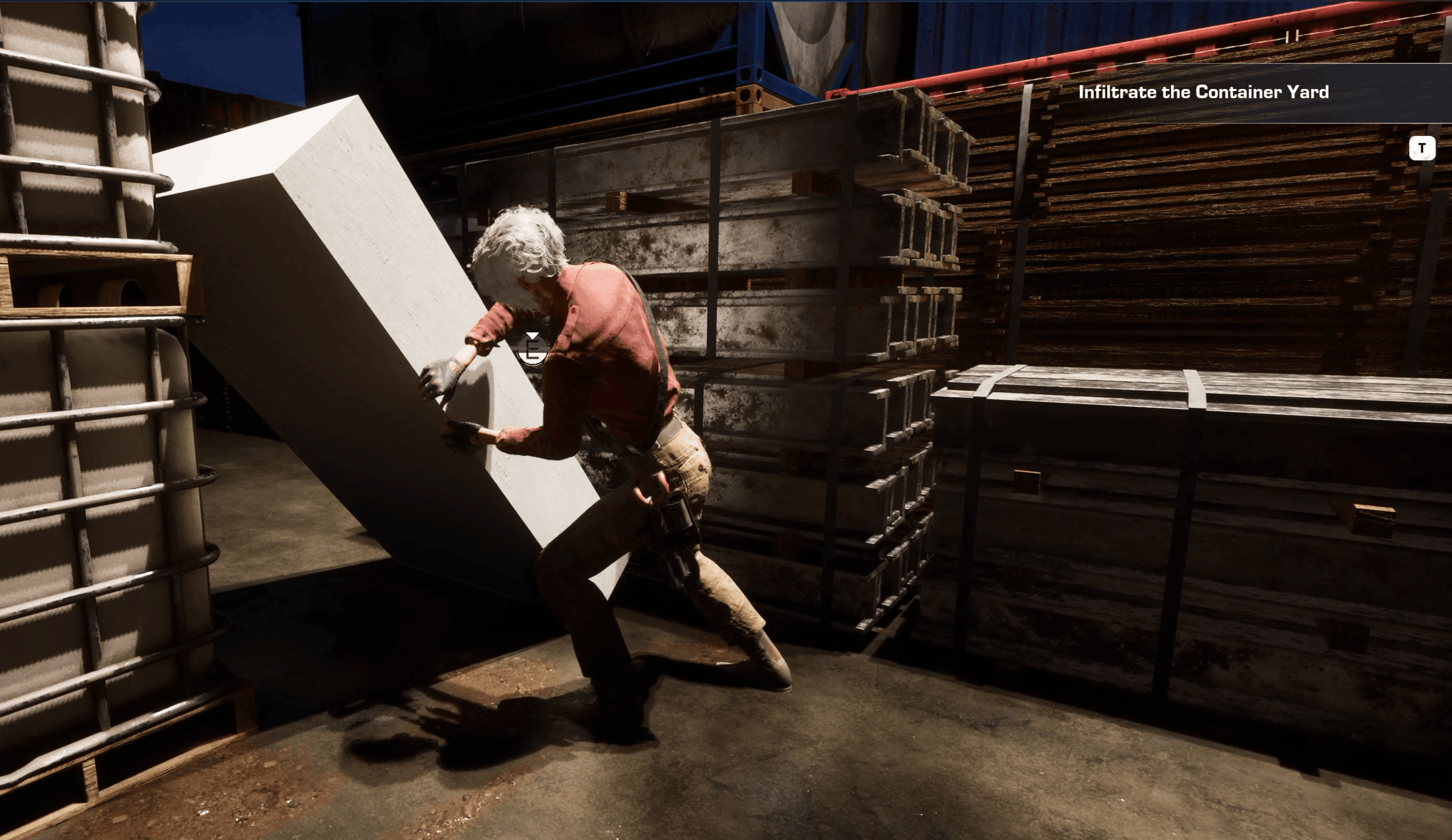
In After Silence, movement isn't just about getting from point A to point B it's about survival. Utilize a variety of immersive, physics-based interaction systems that make every step feel deliberate and weighty.


Close Quarters Combat : When Stealth Fails and Ammo Runs Dry
In After Silence, a bullet is a loud, finite resource. Sometimes, the most effective way to silence a Black Protocol agent is with your bare hands.
- Contextual Takedowns: Use the traversal system to your advantage. Vault off a rusted shipping container to deliver a devastating aerial strike, or slide under a swinging baton to sweep an agent's legs out from under them.


If you choose to support After Silence, you’re helping bring a personal creative project to life and supporting a young developer taking his first real step into game development.
Even sharing the project helps more than you might think.
Thank you for taking the time to read this,
Zac

Click "Notify Me" to get an exclusive free "Informant" Discord role upon launch!
Check out the Kickstarter! After Silence Kickstarter
The Official After Silence Website
Steam Page: In development
Known Bugs
Fps Mode: Grenade Physics/velocity fail to launch grenade.
Input
Story Mode:
Main inputs:
1) Move - W,S,A,D
2) Jump - Space Bar
3) Change overlay - Q
4) Reload - R
5) Sprint - L Shift
6) Interaction & Bandage - E
7) Quick Equip Items - 1,2,3,4,F
8) Walk or Run - L CTRL
10) Crouch - L ALT
11) Crawl - L ALT Hold
12) Roll - L ALT X2
13) Aiming - R Mouse Button
14) Shoot - L Mouse Button
15) Grab Hostage - Aim Input + Shoot
16) Slomo or Xray - Z
17) Melee & Stealth Finish - V
18) Dodge - C
Grenades System:
1) Equip Grenade - Middle Mouse Button
2) Switch Grenade Type - Mouse Wheel Up/Down (While Holding Equip Input)
4) Throw Grenade - L Mouse Button
5) Pick Grenade - E
Pause Menu:
1) Pause - P
FPS Mode/Combat Scenarios:
Main inputs:
1) Move - W,S,A,D
2) Jump - Space Bar
3) lean - Aim + Q-E
4) Reload - R
5) Sprint - L Shift
6) Tactical Sprint - L ALT
7) Interaction - F
8) Crouch - C
10) Bodycam - J
11) Switch Fire Mode - B
12) Grenade - G
13) Crawl/Prone - L CTRL
14) Aiming - R Mouse Button
15) Shoot - L Mouse Button
16) Exit - Esc
Also has designated inputs via settings!
Hardware Requirements
MINIMUM (Target: 1080p, 30-45 FPS, Low Settings)
- OS: Windows 10 64-bit
- Processor: Intel Core i5-8400 or AMD Ryzen 5 2600
- Memory: 8 GB RAM
- Graphics: NVIDIA GeForce GTX 1060 (6GB) or AMD Radeon RX 580 (8GB)
- DirectX: Version 12
- Storage: 15 GB available space (SSD recommended)RECOMMENDED (Target: 1080p, 60+ FPS, Medium/High Settings)
RECOMMENDED (target 1440p, 60-90 FPS, Mid to High settings)
- OS: Windows 10/11 64-bit
- Processor: Intel Core i7-10700K or AMD Ryzen 5 5600X
- Memory: 16 GB RAM
- Graphics: NVIDIA GeForce RTX 3060 (12GB) or AMD Radeon RX 6600 XT
- DirectX: Version 12
- Storage: 15 GB available space (SSD Required)
Performance Tips for the Best Experience:
- Update Your Drivers: Please ensure your NVIDIA or AMD graphics drivers are fully up to date before launching.
- Optimize System Resources: Enable Windows Game Mode or use reputable optimization software (like Razer Cortex or NVIDIA GeForce Experience) to free up RAM and prioritize the game.
- Note: Avoid unverified third-party "FPS booster" tools, as they can cause system instability.
- Optimize Settings: If you experience lower framerates, try lowering "Shadow Quality" or "Texture & Surface" in the in-game settings menu.
- Storage: For the fastest load times and to prevent texture stuttering, I highly recommend installing the game on an SSD.
Download
Install instructions
Download & Install Instructions
1. Extract the Files (Crucial Step!)
- Do not run the game directly from the downloaded
.zipor.rarfile. - Right-click the downloaded archive and select "Extract All" (or use a tool like 7-Zip/WinRAR).
- Choose a destination folder (like your Desktop or a dedicated Games folder) and wait for it to finish.
2. Launch the Game
- Open the newly extracted
AfterSilencefolder. - Double-click
AfterSilence.exe(orAfterSilence-Win64-Shipping.exe) to start the demo.
3. Controls & Compatibility
- Mouse & Keyboard: Fully supported.
- Controllers: Currently In development and expected in a further patch!
⚠️ A Note on Antivirus:
- Because this is an indie game built in Unreal Engine 5, Windows Defender or third-party antivirus software may occasionally flag the
.exefile as a "false positive." This is a common issue with indie UE5 builds. If this happens, you can safely allow the file through your antivirus settings.
Comments
Log in with itch.io to leave a comment.
I tried playing, made it to the target range but there is no invert mouse so I couldn't make it any further, I can't play without having that option. It looked fine, and I was getting good frames on my old PC. Ill check it out once you fix this.
Hi thank you for playing! I am currently in the midst of sorting that out and the patch shouldn't be much longer, likely later today or tomorrow.
awesome ill check it out when you make the update!
This is the first official After Silence Demo. Please feel free to provide any feedback, it all help!